



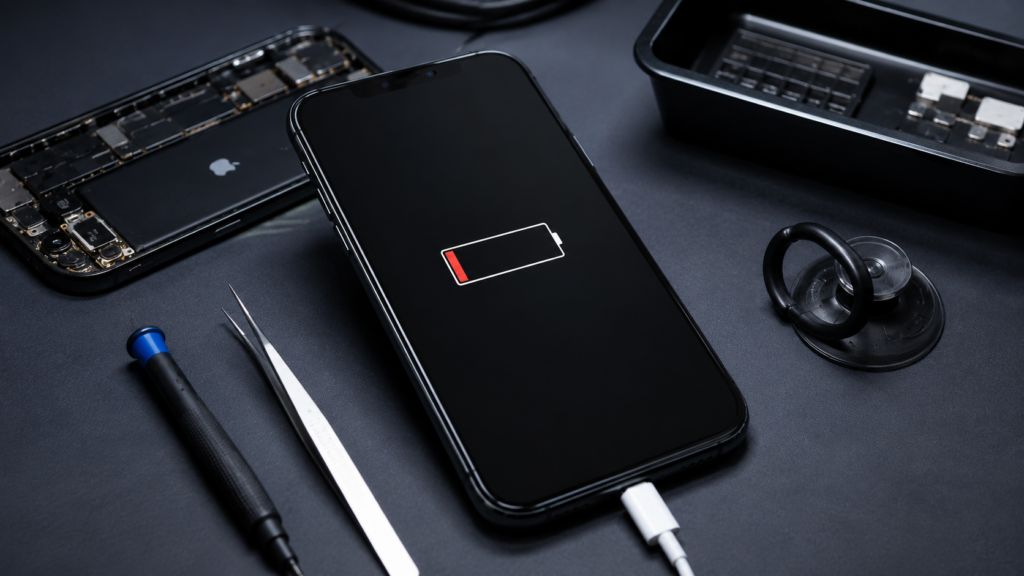
Is your iPhone suddenly turning off even though the battery indicator shows 30%, 50%, or even 80%? This problem can have many causes—ranging from a worn-out battery to a faulty motherboard. If your phone unexpectedly shuts down and only turns back on when you plug in the charger, it’s best to identify the source of the problem as soon as possible. In this article, we explain why an iPhone turns off even when the battery is charged, and when simple troubleshooting is enough versus when professional repair is necessary.
Most common reasons for an iPhone shutting down on its own
Used battery
This is by far the most common cause. Over time, lithium-ion cells lose their capacity and are unable to deliver adequate voltage under heavy load. The result is sudden shutdowns, even though the battery level appears to be high.
Symptoms:
- The iPhone shuts down when the battery level is between 20–60%,
- The phone works normally when the charger is connected.,
- The battery drains quickly.,
- The device turns off while taking photos, recording videos, or playing games.
2. Low battery health
Apple allows you to check the battery health.
Enter
Settings → Battery → Battery Health & Charging
If the maximum capacity is:
- above 90% – the battery is in good condition,
- 80–89% – it's worth keeping an eye on how it works,
- below 80% – battery replacement is recommended.
3. iOS system error
Sometimes the problem isn't with the battery.
A corrupted update or system errors can cause:
- automatic restarts,
- suspending the device,
- Shutting down while using apps.
It's worth checking the availability of the latest iOS version and restarting your phone.
4. Damaged power supply unit
If replacing the battery does not solve the problem, the electronics may be the cause.
The most common damages occur to:
- power supply system ,
- power lines on the motherboard,
- loading elements.
Such failures require diagnosis in professional service.
5. Flood consequences
Even slight contact with water can eventually lead to:
- corrosion of components,
- short circuits,
- unstable phone performance.
Symptoms often appear only after several days or weeks of flooding.
6. Device overheating
The iPhone has safeguards to protect components from high temperatures.
The phone may turn off during:
- granola,
- 4K video recording,
- using your phone in the sun,
- high-temperature charging.
After cooling, the device usually works again.
How to check what's causing the problem?
Follow these simple steps:
- Check battery health.
- Update iOS.
- Perform a hard reboot of the device.
- Check if the phone is overheating.
- Note at what battery level the phone turns off.
- If the problem persists, perform professional diagnostics.
Will replacing the battery solve the problem?
In most cases - yes.
If the battery is worn out, replacing it will restore the phone to proper working order.
However, if the problem persists after replacing the battery, more detailed motherboard diagnostics are required.
When should I go to the service center?
Don't delay, if:
- The phone turns off every day.,
- it restarts while using the app,
- It won't turn on without the charger.,
- It loses battery very quickly.,
- It had previously been flooded or had fallen over.
The sooner the cause is diagnosed, the greater the chance of a cheaper repair.
How to prevent such problems?
To extend battery life:
- Avoid complete discharge.,
- don't overheat your phone,
- use good quality chargers,
- regularly update iOS,
- Replace the battery when its health drops below 80%.
Summary
If your iPhone suddenly shuts down even though the battery is charged, it usually means the battery is worn out, but the cause could also be system errors, damage to the power management circuit, water damage, or a motherboard failure. It’s not worth ignoring this problem—prompt diagnosis can help you avoid more serious damage and costly repairs.
If your iPhone shuts down even though it shows battery charge, get professional diagnostics at a service center. Apple iPro in Warsaw. Experienced technicians will check the battery condition, power system, and other components to quickly determine the cause of the problem and propose the most advantageous solution.