



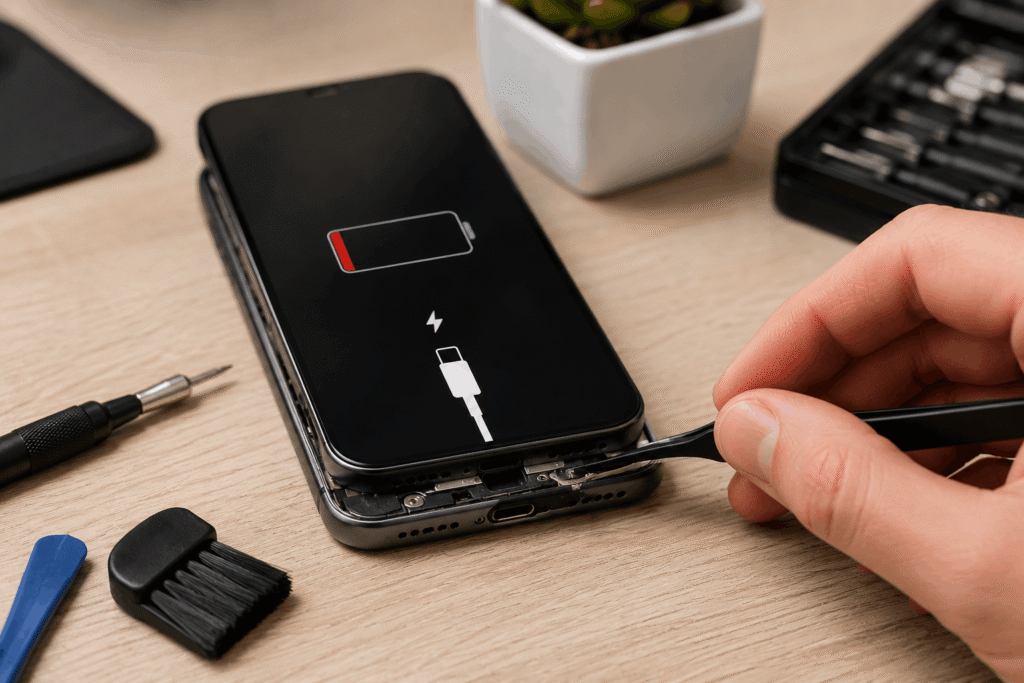
No response after plugging in the charger is one of the most common problems iPhone users report. Sometimes the cause is a dirty charging port, other times it's a damaged cable, battery, or motherboard failure. In this guide, we explain, Why isn't my iPhone charging, how to diagnose the problem yourself and when it's worth taking the phone to a professional service center.
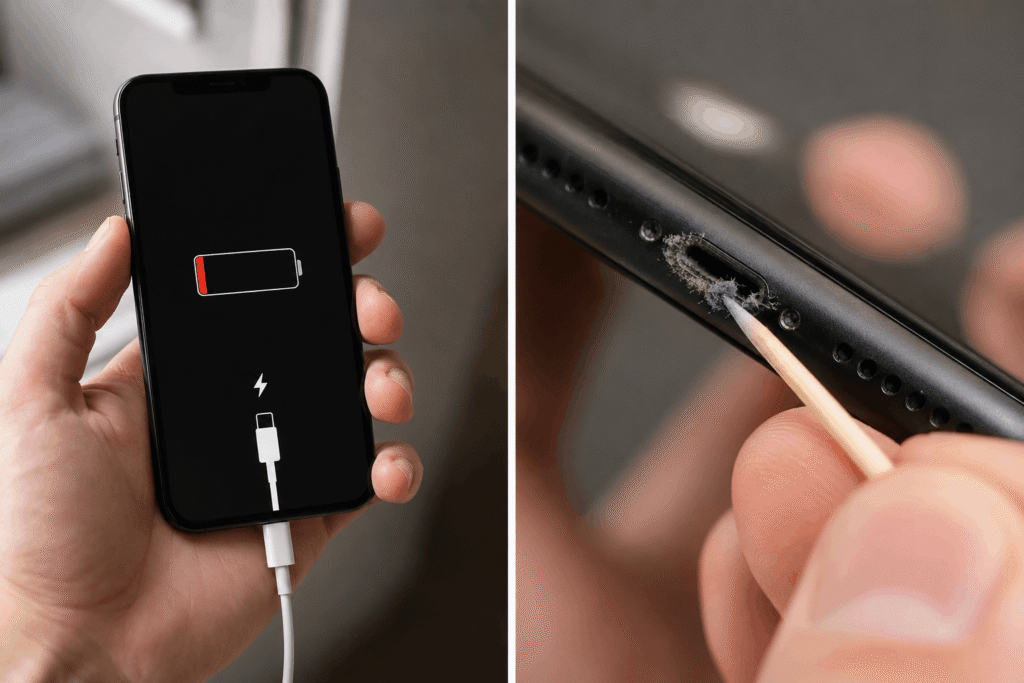
Most common reasons for iPhone charging problems
- Dirty Lightning or USB-C port
This is definitely the most common cause. Dust, fabric fibers, and other debris get into the port from your pocket or purse. After a while, the plug doesn't go in all the way, which prevents your phone from charging.
Symptoms:
- The charger falls out of the socket.,
- charging only works at the right angle,
- The phone charges sometimes and stops sometimes.
- What should I do?
- Do not use metal tools. It is best to gently clean the port with a wooden toothpick or take the phone to a service center where it will be cleaned professionally.
2. Damaged cable or charger
Not every cable works correctly with an iPhone.
Problems can be caused by:
- damaged cable,
- Damaged ends,
- Cheap non-MFi certified replacements,
- Damaged power supply.
How to check?
Connect
- another cable,
- another charger,
- computer,
- wireless charger (if your model supports it).
If the phone starts charging, the accessories are to blame.
3. Damaged charging port
If cleaning doesn't help, the connector itself may be damaged.
This most often happens after:
- flooding,
- fall,
- long-term use,
- frequent plugging in the cable.
Symptoms:
- The phone doesn't respond to any cable.,
- charging is interrupted,
- The computer does not detect the device.
4. Used battery
Every lithium-ion battery has a limited lifespan.
After a few years of use, it may:
- It's loading very slowly.,
- turn off despite a high battery level,
- Do not accept the charge.
It's worth checking the battery health:
Settings → Battery → Battery Health & Charging
If the battery capacity has dropped below 80%, replacing the battery usually significantly improves the user experience.
The iPhone has frozen.
Sometimes the problem isn't the charging, but the iOS system.
The phone might look completely dead.
A forced restart is worth performing.
For most newer models:
- Press Volume Up,
- Press Volume Down.,
- Press and hold the side button until the Apple logo appears.
6. The phone is completely discharged
If the battery has been drained to zero, the iPhone may need up to fifteen minutes before it shows a charging icon. Connect the phone to the original charger and wait 20-30 minutes.
7. Phone Water Damage
Contact with water can damage:
- charging port,
- charging system,
- battery,
- motherboard.
Do not connect a wet phone to a charger or dry it with a hairdryer. If the device has come into contact with liquid, it is best to take it to a service center as soon as possible.
8. Damaged charging system
If:
- the port is working,
- The battery is good.,
- The cable works.,
The problem might concern the motherboard electronics.
These types of repairs require micro-soldering and diagnostics.
9. How to troubleshoot why an iPhone isn't charging on its own
Follow the steps below:
- Try another cable.
- Use a different charger.
- Clean the charging port.
- Perform a forced restart.
- Leave the phone plugged in for about 30 minutes.
- Check if wireless charging works (if the model supports this feature).
- Check battery health.
If none of these methods help, professional diagnostics may be necessary.
When should I go to the service center?
It's worth visiting the service when:
- The iPhone is not responding to any charger.,
- The port is damaged.,
- The phone was water damaged,
- The battery drains quickly.,
- The device stops charging.,
- The computer doesn't detect the phone.
A quick diagnosis often helps avoid a more serious breakdown and limit repair costs. Welcome to iPro Serwis in Warsaw.
How to prevent charging problems?
To reduce the risk of failure:
- clean the charging port regularly,
- Use certified chargers and cables.,
- Do not use damaged wires.,
- Protect your phone from moisture.,
- Do not allow the battery to discharge completely frequently.,
- avoid overheating the device.
Summary
iPhone charging problems don't always mean a costly repair. In many cases, cleaning the port, replacing the cable, or restarting the device is enough. However, if the phone still doesn't respond to the charger, the cause could be a damaged battery, charging port, or electronic components on the motherboard.
Professional Diagnostics allows for quick identification of the problem's source and selection of the most beneficial solution, enabling the iPhone to return to full functionality without the need to replace the device.