



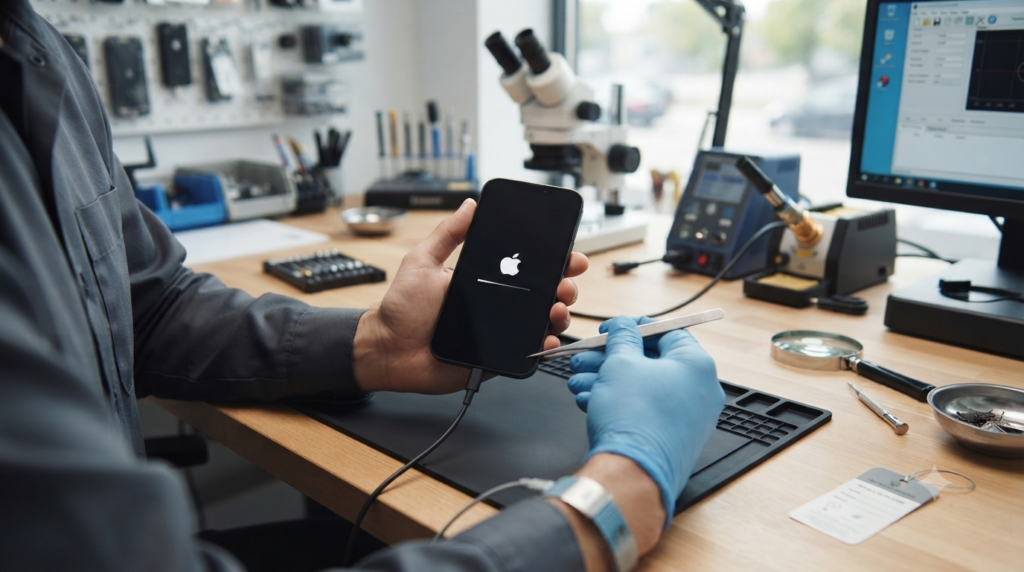
If your iPhone unexpectedly shuts down and restarts, it doesn't immediately mean a serious failure. The cause can be both minor software bugs and hardware malfunctions. It's worth knowing the most common reasons for such behavior and knowing when a few simple steps are enough and when a professional diagnosis is necessary.
Most common causes of iPhone restarting by itself
1. iOS system errors
After a system update, errors may occur that cause the device to become unstable. Symptoms include:
- random reboots,
- application freezing,
- reboot during phone startup.
In many cases, installing the latest version of iOS or restoring the system helps.
2. Used battery
One of the most common causes is a significantly degraded battery. When it is no longer able to deliver the proper voltage, the phone may:
- reboot under heavier load,
- shut down despite having over a dozen percent of battery left,
- operate unstably when using demanding applications.
It is worth checking the battery health in:
Settings → Battery → Battery Health & Charging
If the maximum capacity is less than approximately 80%, you should consider replacing the battery.
3. Liquid damage
Even minor contact with water can eventually lead to corrosion of the motherboard components. Characteristic symptoms include:
- random reboots,
- Charging problems,
- not working Face ID,
- no network or Wi-Fi.
Such faults usually require diagnostic service.
4. Damaged motherboard
Dropping the phone can cause micro-cracks in the solder joints or damage to the power management chips.
Symptoms:
- the phone restarts every few minutes,
- stuck on the Apple logo,
- Startup cannot be completed.
The repair requires specialized equipment for motherboard repairs.
5. Device memory issues
If the iPhone's storage is almost completely full, the system may operate unstably.
Check:
Settings → General → iPhone Storage
It is worth leaving at least a few gigabytes of free space.
What can you do on your own?
Before handing your phone over to the service center, follow a few simple steps:
- restart the device,
- update iOS,
- check the battery health,
- free up memory space,
- uninstall the applications that are causing problems,
- backup the data,
- restore factory settings (only after making a backup).
If the problem persists, the cause is most likely a hardware failure.
When should I go to the service center?
It is worth taking your iPhone for diagnostics when:
- It restarts several times a day,
- The restart happens during loading.,
- the device gets stuck on the Apple logo,
- the phone was previously water-damaged or dropped,
- after replacing the battery, the problem persisted.
Professional Diagnostics it allows you to quickly determine whether the problem is related to the battery, software, or motherboard.
Summary
The automatic restarting of an iPhone can have many causes – from simple system errors to more serious hardware damage. It is not worth ignoring such symptoms, because over time the problem may worsen. If basic steps do not solve the problem, it is best to use professional diagnostics. Quick detection of the cause often helps avoid more expensive repairs in the future.